Organize consultations and availability
Set up services and staff availability for client meetings or intake appointments.
Professional services
Bring client appointments, contacts, schedules and invoices into one workspace for your team.

In your Finn360™ workspace
Coordinate consultations and make availability clear.
Keep client details and related activity together.
Review team schedules, employee time and invoices in one place.
 + Enlarge preview
The benefits
Set up services and staff availability for client meetings or intake appointments.
Organize contacts and related activity so team members can find the information they need for follow-up.
Use team scheduling, tasks and timekeeping to stay on top of internal work.
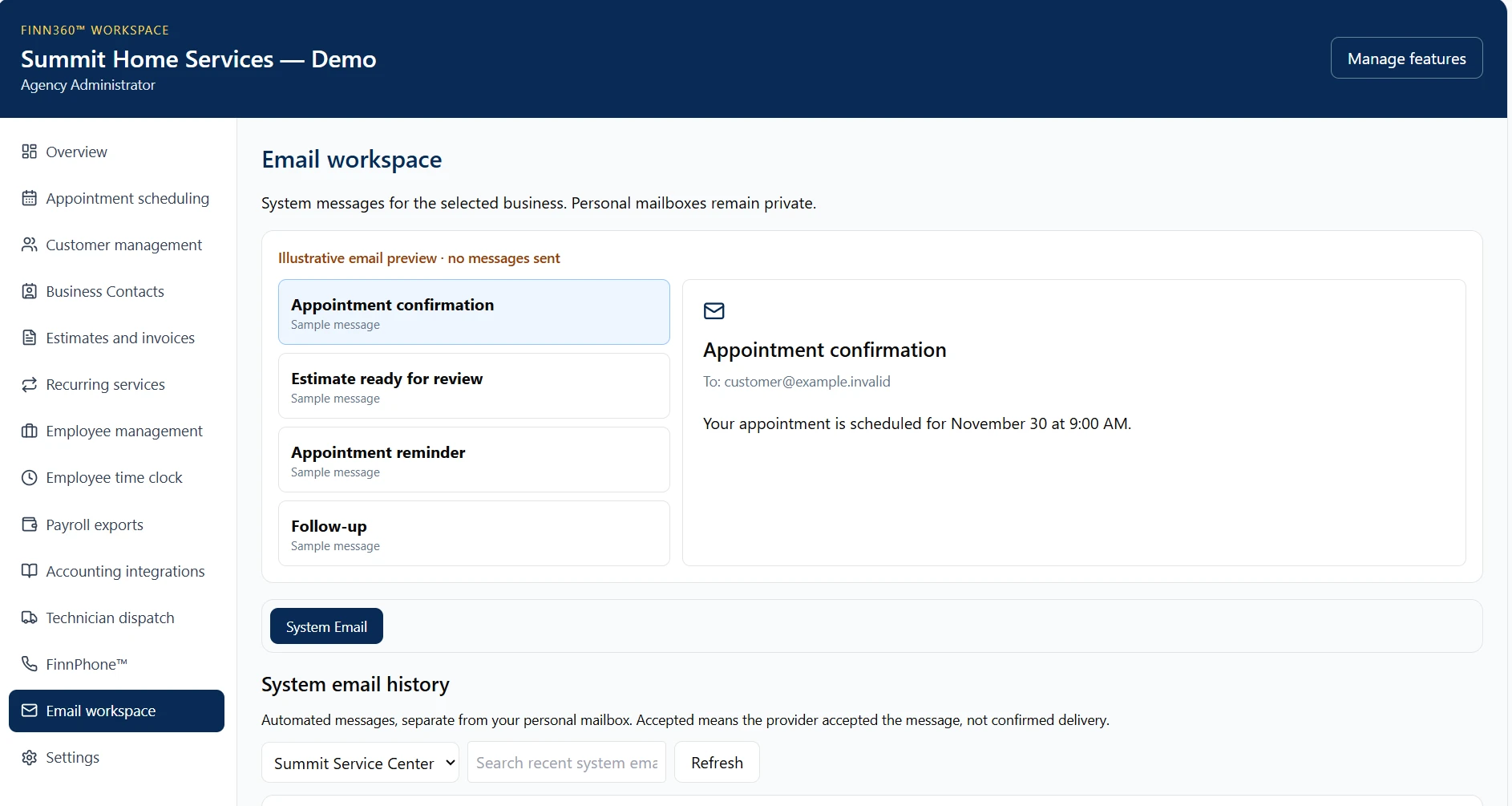
Prepare estimates and invoices and use available email workflows with a supported provider setup. Add FinnPhone™ when you need help answering calls.
Putting Finn360™ to work
See how to set up the tools and what to watch as your team starts using them.
Offer a short intake appointment, publish availability and keep the client record with the next step. Clients spend less time arranging a meeting, and office staff can focus on the requests that need individual attention.
What to track intake bookings and time from inquiry to first appointment.
Use the calendar and task workflows to assign a next action after consultations. A clear owner reduces duplicate follow-up and helps prevent prospects from being overlooked.
What to track open follow-ups and consultations that become active clients.
Use estimates, invoices and time review where they fit your workflow. Team leads can review what’s waiting to be billed and spend less time reconciling separate lists.
What to track time spent preparing invoices and work that is complete but awaiting billing.
Yes. Share a branded booking page with your available services and appointment times.
Use customer records and activity history to organize the context your team needs for follow-up.
Configure business hours, common answers and message capture so callers can receive assistance during busy periods.
Keep billing records alongside customer information and review outstanding items from your workspace.
Discuss your specific privacy, confidentiality and regulatory requirements with FinnPay before using the platform for sensitive information. No specialized compliance certification is implied.
A day in your business
Capture the inquiry, offer a branded appointment link, organize client correspondence and prepare billing.
Answer calls, capture opportunities and route requests while your team is busy.
Explore FinnPhone™ →Your own branded booking experience, with services, staff and availability in Finn360.
Explore Online booking →Keep contact details, activity and correspondence together for better follow-up.
Explore Customer management →Tell us how you work and what you want to simplify.